
Guides · 6 min read
Updated September 19, 2026: refreshed with current market data, regulation and network upgrades.
In traditional banking, a forgotten password is an inconvenience: you call, you verify, you reset. In crypto there is no equivalent phone number. Lose access to your wallet or let someone else obtain your keys and the funds are gone — no appeal, no escalation, and in almost all cases no insurance.
That is why setting up a wallet properly is worth doing slowly, once, rather than quickly and twice. This guide covers what a wallet actually is, which type fits which purpose, and the exact setup steps for the two most common choices.
What a Wallet Actually Holds
Despite the name, a wallet does not store your coins. Those live on the blockchain. What the wallet stores is the private key: the cryptographic secret that proves the coins are yours and authorizes them to move.
The useful analogy is that your address works like an account number — public, shareable, harmless to hand out — while your private key is the credential that controls it absolutely. The wallet is simply the software or hardware that manages that key on your behalf.
The Types, and What Each Is For
| Type | Examples | Best suited to | Main weakness |
|---|---|---|---|
| Browser extension | MetaMask, Phantom | DeFi and NFT interaction | Exposed to whatever compromises the browser |
| Mobile app | Trust Wallet, Coinbase Wallet, Rainbow | Everyday spending and checking balances | Phone loss, malicious apps |
| Desktop app | Exodus, Electrum | More advanced features, mid-size holdings | Malware on the machine |
| Hardware wallet | Ledger, Trezor ($60-$200) | Long-term storage of meaningful amounts | Physical loss; requires care with the recovery phrase |
| Exchange account | Coinbase, Binance | Active trading balances only | You do not hold the keys |
The dividing line that matters most is custody. An exchange account is custodial: the platform holds the keys and you hold a claim against the platform. A non-custodial wallet puts the keys in your hands, with everything that follows from that — full control and full responsibility. For anything beyond funds you are actively trading, non-custodial storage is the standard recommendation. If you live in the EU and use a custodial platform, check that it is authorised under MiCA: the transitional period for existing providers ended on July 1, 2026, and authorised providers are listed by ESMA.
Hardware wallets deserve their reputation for one specific reason: the key never leaves the device. Even on a thoroughly infected computer, transactions must be confirmed on the device’s own screen.
Setting Up MetaMask
MetaMask is the most widely used Ethereum wallet and the usual entry point to DeFi and NFTs.
Step 1: Download From the Official Source
Type metamask.io directly into the address bar. Do not search for the download and click the first result — malicious lookalikes and paid ads targeting that exact query are a persistent problem. Extensions are available for Chrome, Firefox, Brave, and Edge.
Step 2: Create the Wallet
Choose “Create a New Wallet” and set a strong password. This password encrypts the wallet on this particular device; it is not your master key and it will not recover anything on its own.
Step 3: Record the Secret Recovery Phrase
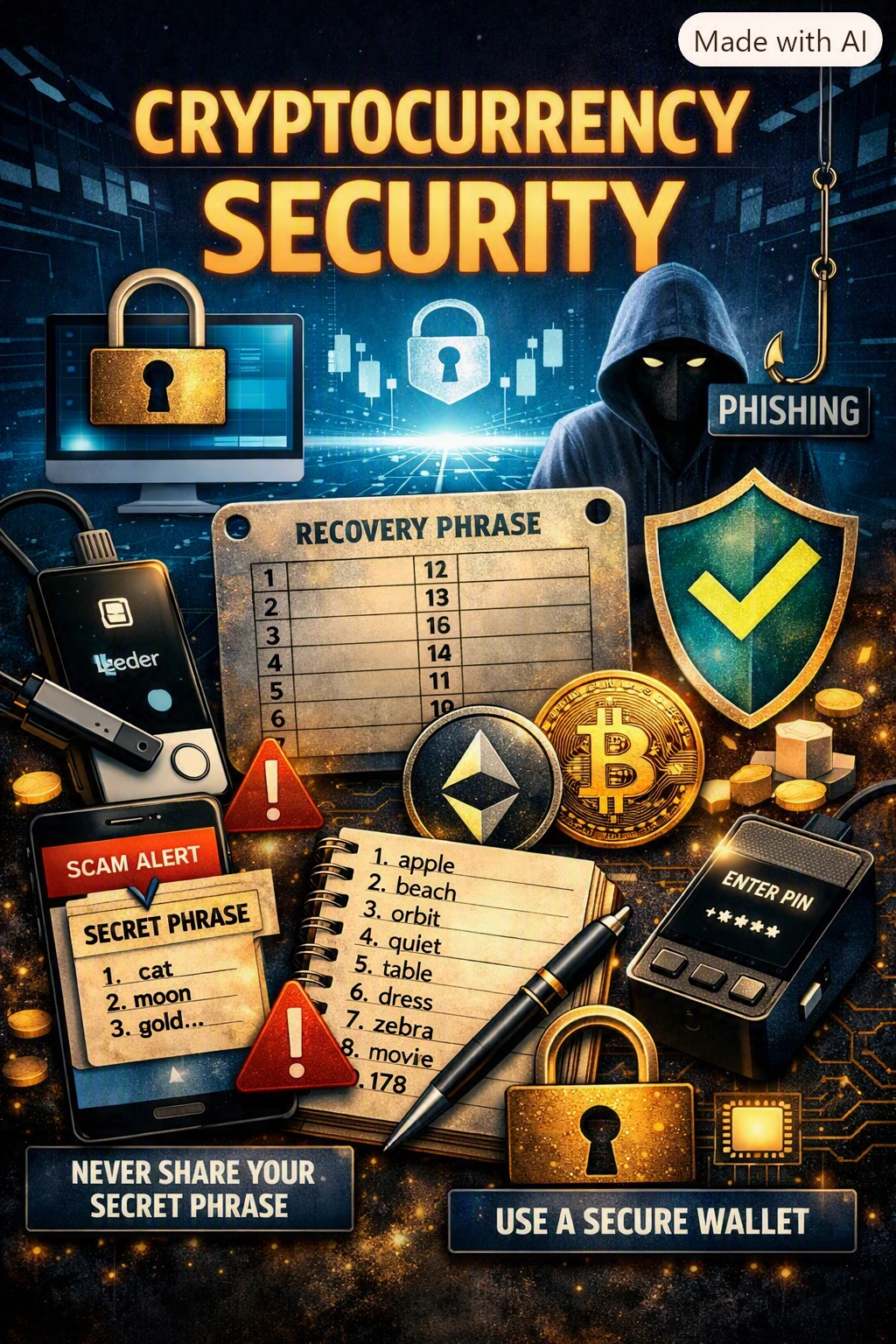
MetaMask generates twelve words, in order. This is the master key. Write it on paper, by hand, in the correct sequence, and store it somewhere physically secure — not a screenshot, not an email draft, not a cloud note.
Critical: anyone who obtains those twelve words has complete and irreversible control of everything in the wallet. No company, developer, or support team can reverse a transfer made with your phrase. Never share it with anyone, for any reason.
Step 4: Confirm and Finish
MetaMask asks you to re-select the words in order, which verifies you actually wrote them down correctly. Once confirmed you have an Ethereum address beginning with “0x”, ready to receive ETH and ERC-20 tokens and to connect to applications.
Setting Up a Ledger Hardware Wallet
Step 1: Buy Only From Official Channels
Order from ledger.com or an authorized retailer. Never buy a hardware wallet secondhand or from a marketplace seller: a tampered device or a pre-filled recovery sheet is a known attack, and it is unrecoverable.
Step 2: Initialize It Yourself
Connect the device, install Ledger Live, and let the device generate its own keys during setup. They are created inside the hardware and never leave it. If a device arrives already initialized with a phrase, treat it as compromised.
Step 3: Store the Recovery Phrase
Ledger produces twenty-four words. Same rules as before, with one addition worth the money: a stamped metal backup survives fire and water in a way that paper does not.
Step 4: Install Coin Apps and Connect
Use Ledger Live to add the apps for the assets you hold. For DeFi, connect the Ledger to MetaMask: the interface stays familiar while signing happens on the device, so a compromised browser cannot move funds on its own.
Habits That Keep the Wallet Safe
- Never share the recovery phrase with anyone, including anyone claiming to be support. There is no legitimate exception.
- Reach applications through your own bookmarks and read the URL before connecting.
- Keep serious holdings on a device you do not use for casual browsing.
- Review and revoke old token approvals periodically with a tool such as revoke.cash.
- Send a small test transaction before any large transfer, and check the first and last characters of the address on the device screen.
- Run two wallets: a low-balance one for experimenting with applications, and a hardware wallet for long-term storage.
The Scams Aimed Specifically at Wallets
- Fake support. Impersonators on X, Discord, and Telegram offer to fix a problem if you share your phrase or “validate” your wallet. Real support never asks.
- Phishing clones. Near-perfect copies of wallet websites that either serve malware or harvest the phrase you type in.
- Malicious applications. Contracts that request sweeping approval permissions and then move your tokens at will.
- Airdrop bait. “Free token” notifications whose claim flow is actually an approval that drains the wallet.
The common thread is that every one of them needs you to take one voluntary action — sharing words, signing an approval, connecting to the wrong site. Slowing down at exactly that moment is the whole defense. The risk is not theoretical: Chainalysis found that impersonation scams grew about 1,400% year over year in 2025, and the FBI logged more than $11 billion in crypto-related losses for the year.
This content is for informational purposes only and does not constitute financial or legal advice. Crypto assets are highly volatile and you can lose your entire investment. Always do your own research before acting on anything you read here. Product names are mentioned for illustration and are not endorsements.
Sources and further reading
The explanations above are checked against official regulators, statistical agencies, standards bodies and non-profit financial education organisations. Use these primary sources to verify figures and rules before you act on them.
- Ethereum Foundation — Ethereum wallets
- Federal Trade Commission — Online privacy and security
- Federal Trade Commission — How to recognise and avoid phishing scams
- FBI Internet Crime Complaint Center (IC3) — reports and complaint filing
- Revoke.cash — check and revoke token approvals
- ESMA — Markets in Crypto-Assets Regulation (MiCA)
- FBI — Cryptocurrency and AI scams bilk Americans of billions
- Chainalysis — Crypto scams 2026 report